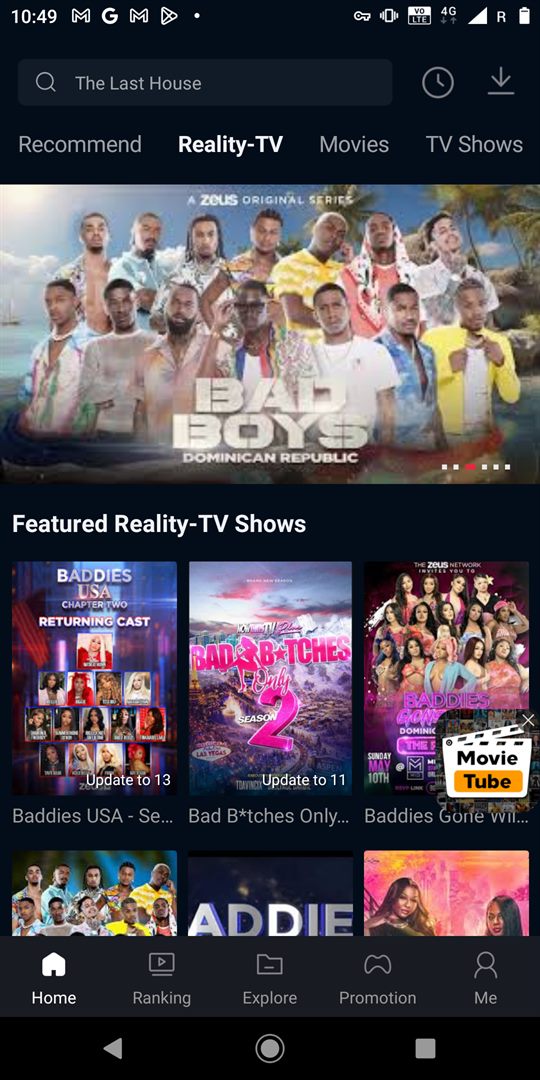
The latest FreeCine APK version verified for apkfreecine.com is V3.0.5. The Android installation file is 40 MB, carries the filename FreeCine-V3.0.5_apkfreecine.com.apk, and was updated on . It requires Android 5.0 or newer.
Download the current FreeCine APK
Use the download card on this page to open the hosted Google Drive file. Google displays a warning because the APK is an executable file and is too large for Drive’s automatic virus scan. Confirm that the displayed filename contains V3.0.5 and shows a 40 MB size before choosing “Download anyway.” If either detail differs, stop and return to this page instead of installing it.
This is the same verified download linked from the homepage. Providing one consistent file prevents visitors from receiving different packages from different buttons. We do not rotate visitors through advertising redirects, require notification subscriptions or ask for personal details before showing the file.
What is included in V3.0.5?
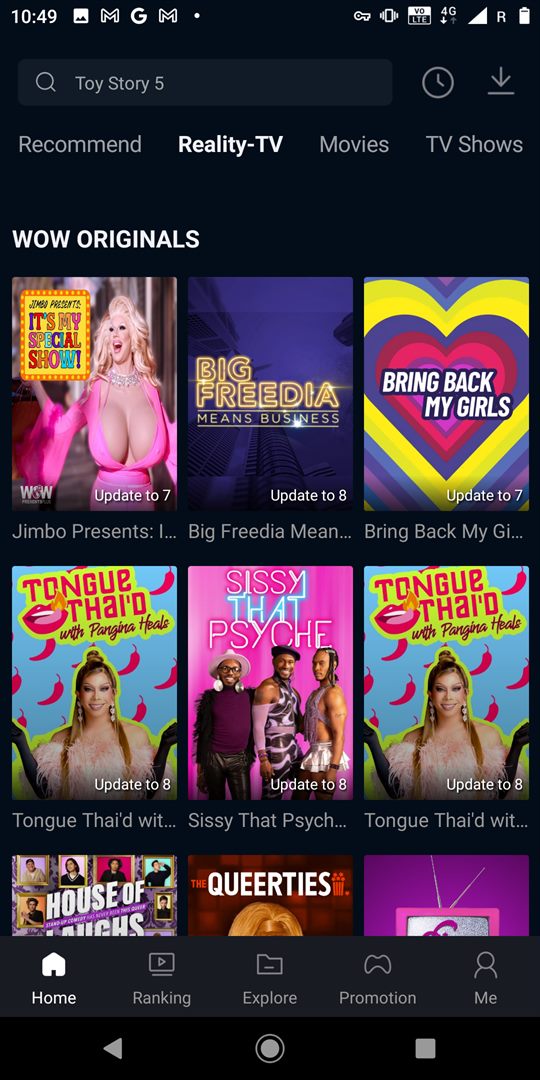
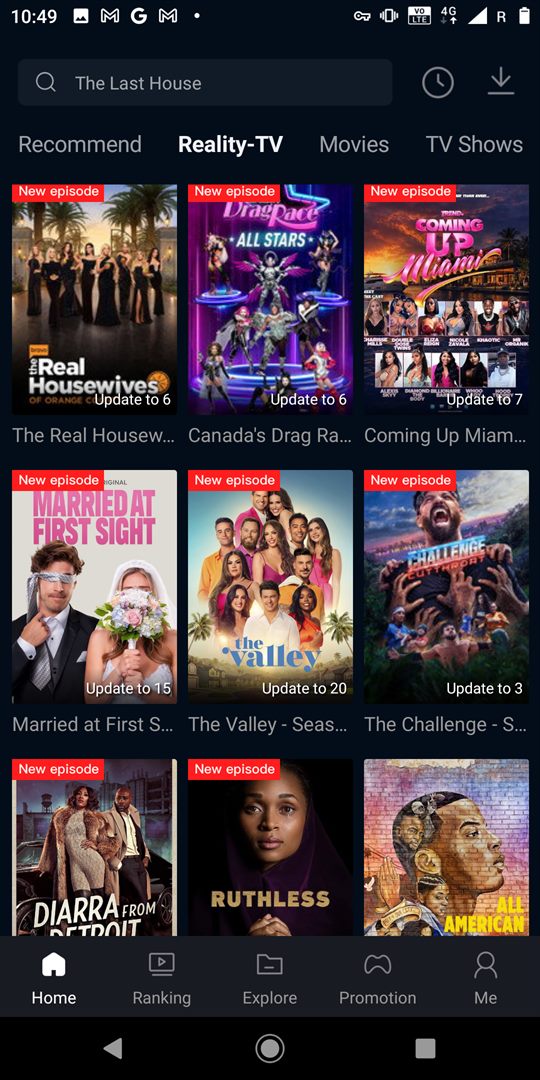
The supplied build was checked for normal operation across its main navigation and media browsing functions. It presents sections for movies, TV shows, Reality TV and live content; search and ranking interfaces; subtitle support; offline caching; and layouts intended for Android phones, tablets and compatible Android TV devices. A Windows PC can run the Android package through an emulator.
Catalogue items and streams are delivered separately from the application package, so an individual channel or title shown in a screenshot may later move, disappear or become unavailable in your location. A functioning APK does not guarantee that every listed stream will always be online.
How to update FreeCine without losing settings
- Check the version currently installed under Android Settings → Apps → FreeCine.
- Download V3.0.5 and verify the filename and approximate 40 MB size.
- Close FreeCine, then open the new APK from your Downloads folder.
- Choose Update when Android recognizes the existing package.
- Open the app and confirm that search, playback and downloads work.
Android usually preserves application data when the new APK uses the same package name and signing certificate. If Android asks you to uninstall the old copy first, the files may be signed differently. Uninstalling can remove settings and cached media, so record anything important before proceeding.
Clean installation versus in-place update
An in-place update is the easiest option when Android accepts the new package. A clean installation can resolve persistent crashes or corrupted cache, but it removes locally stored app data. Before a clean install, clear only the cache first—not storage—and restart the device. This simpler step often fixes a release that opens slowly or stops loading content.
Release record
| Version | Date | Size | Status |
|---|---|---|---|
| V3.0.5 | August 29, 2026 | 40 MB | Current verified release |
Only releases whose version, date and file details have been confirmed are added to this record. We do not invent changelog entries when the developer has not supplied an official list. For historical downloads, visit the FreeCine old versions index.
Troubleshooting the latest version
If V3.0.5 will not install, confirm Android 5.0+ compatibility, free at least 100 MB of storage, redownload the file after an interrupted transfer and check whether Play Protect shows a specific warning. If the app installs but content does not load, test another network, disable an interfering VPN, set the correct date and time, and clear FreeCine’s cache.
How to verify that you received the latest file
Begin with the details visible before installation. Google Drive should show the filename FreeCine-V3.0.5_apkfreecine.com.apk and a rounded size of 40 MB. After installation, open Android Settings, select Apps and find FreeCine. The App info screen should report V3.0.5. A website label or renamed download is not sufficient if the version installed on Android says something else.
Keep the APK in Downloads only as long as you need it. Once installation and basic testing are complete, deleting the installer saves storage and reduces the chance of opening an outdated copy months later. The installed application remains on the device after the APK file is removed.
Before every future FreeCine update
Check this page rather than assuming that a numerically higher file found elsewhere is authentic. A reliable release record needs an exact version, date, package size and working file. We update the headline and structured software data together so search results and the page do not advertise conflicting versions.
It is also worth noting the app’s current behavior before updating. Record whether playback, subtitles, Android TV controls and offline caching work on your device. If a later build introduces a regression, that short record makes troubleshooting clearer than relying on memory.
When should you postpone an update?
Postpone installation if the file details unexpectedly change, Android reports a signature conflict, the device is low on storage or you cannot back up important local data. Waiting for clearer information is safer than repeatedly uninstalling packages. If the current version still works, there is usually no reason to bypass a concrete security warning merely to update immediately.
V3.0.5 interface preview